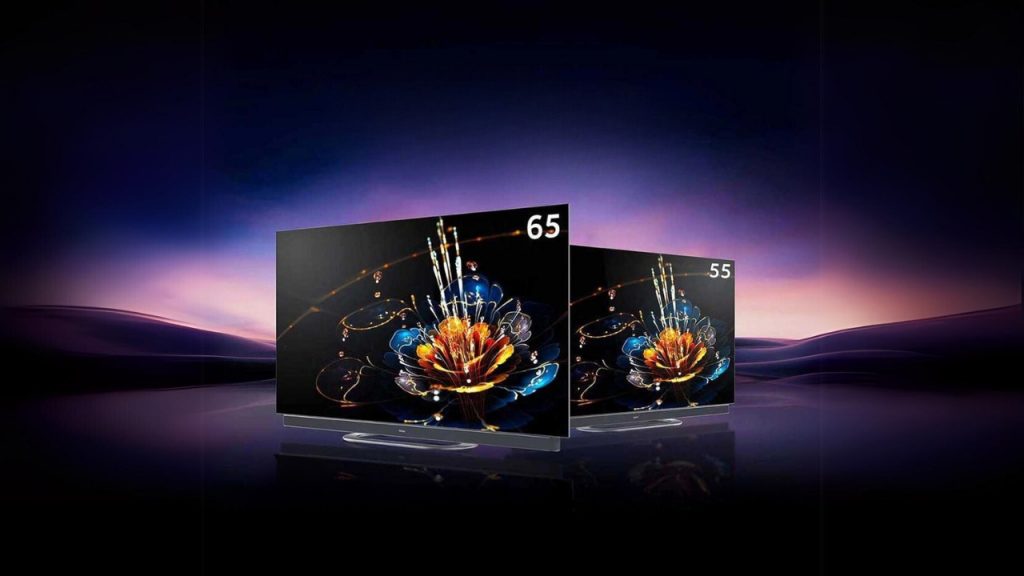
In this era, getting a TV does not mean you will only use it for watching movies and TV series. Now, gaming has become a part of the culture. So, you need a good TV for gaming that will do two jobs well — it needs to show fast motion smoothly, and it reacts the moment you press a button. You need to consider three things while choosing a TV for gaming: refresh rate, input lag, and HDMI 2.1. It is crucial now because gaming devices run games at 120 frames per second. It is worth knowing because many companies cannot handle this feature. So, whether you are looking to rent a TV or buy one, you should figure out how to find the best TV for gaming.
Refresh rate refers to how many times per second a screen draws a new image — 60 times on a 60Hz set, 120 times on a 120Hz set. If there are more pictures per second, it means smoother motion. This is a valid requirement for shooting and racing games. So is 60Hz a deal-breaker? Not really. Plenty of console games top out at 60 frames a second, and a basic 60Hz TV for gaming shows those well.
Where 120Hz earns its keep is speed. The wait between pictures drops from 16.7 milliseconds to 8.3. Tiny on paper. In a tight online match, you’ll feel your aim settle on target a beat sooner.
Think of HDMI 2.1 as a wider pipe. It’s the newest common version of the port your console plugs into, and it carries up to 48 gigabits a second. The older HDMI 2.0 manages 18. That extra room is what lets a PS5 or Xbox Series X push a sharp 4K picture at 120 frames per second.
The port brings two handy extras. One lets the screen match the game's speed as it rises and falls, so the picture doesn't tear or stutter (spec sheets call this VRR). The other switches the TV to game mode on its own when the console turns on.
Watch for two traps. On most TVs, only one or two of the four HDMI sockets are 2.1, and the fast one usually has “4K 120Hz” printed beside it. Plug into another, and you’re back to 60. Then the cable: use the one from the console box, since that tangle in your drawer may not keep up.
Ever pressed jump and watched your player leap a split second late? That gap is input lag, counted in milliseconds (ms). Below 20 ms, most people can’t tell it’s there. Under 10 ms is excellent. Past 40 ms, you’ll feel it.
Game mode is the simple fix. Most TVs add delay by running picture "boosts" such as motion smoothing, and game mode switches them off. On many sets, that one setting cuts lag by more than half.
A casual player needs far less than someone who plays ranked matches every night. This table matches each type of player to the specs worth paying for in a TV for gaming.
| Type of player | Refresh rate | HDMI 2.1 | Input lag to aim for |
| Casual, story games | 60Hz is fine | Nice to have | Under 40 ms |
| PS5 or Xbox Series X owner | 120Hz | Yes | Under 20 ms |
| Online competitive player | 120Hz or more | Yes | Under 10 ms |
| PC hooked up to a TV | 120Hz or 144Hz | Yes | Under 15 ms |
For a weekend cricket match on the console or a slow story game, a cheap 60Hz set with a working game mode is all the TV for gaming you need.
If you change flats every year or so, renting a TV for gaming saves you from squeezing a 55-inch screen into a tempo. You also pay monthly, not all at once. Rental platforms such as Rentomojo offer TVs on monthly plans, and repairs are covered while you rent.
TVs date quickly, too. Back in 2021, HDMI 2.1 was mostly a high-end feature. When a rental plan ends, you can pick a newer set.
Gaming every evening and staying put for four or five years? Buy. Over that stretch, owning tends to cost less. Renting? Ask for the model number and check it’s 120Hz with HDMI 2.1.
Match the screen to how you play, and the rest gets easy. Check the refresh rate first. Next, find at least one HDMI 2.1 port. Last, look up the input lag with game mode on. Get those three right, and you have picked a good TV for gaming, regardless of what the sticker on the box says.
An Indo-American News website. It covers Gossips, Politics, Movies, Technolgy, and Sports News and Photo Galleries and Live Coverage of Events via Youtube. The website is established in 2015 and is owned by AGK FIRE INC.
This website uses cookies.


